How this feature connects to others
Feeds into
Feature overview
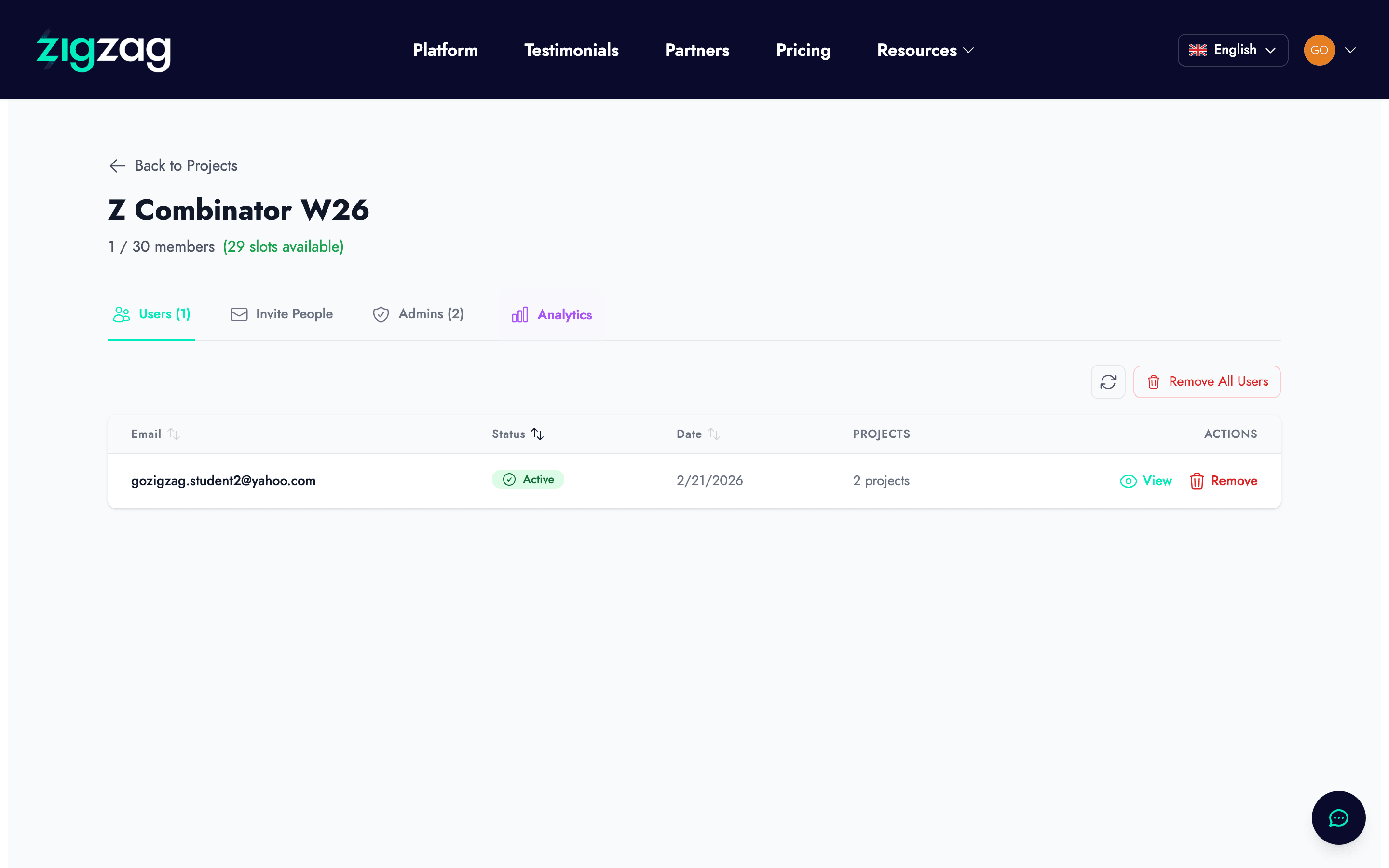
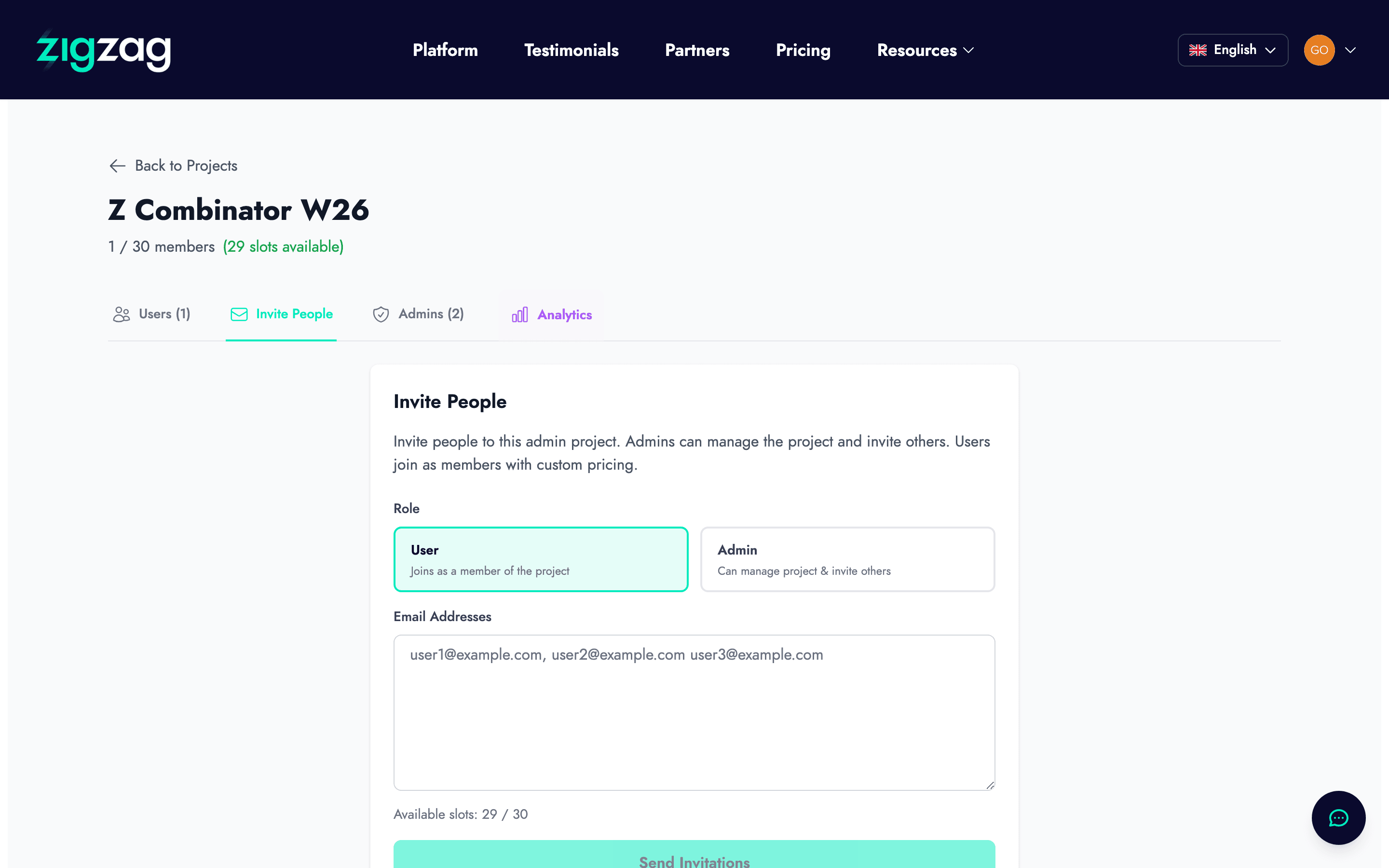
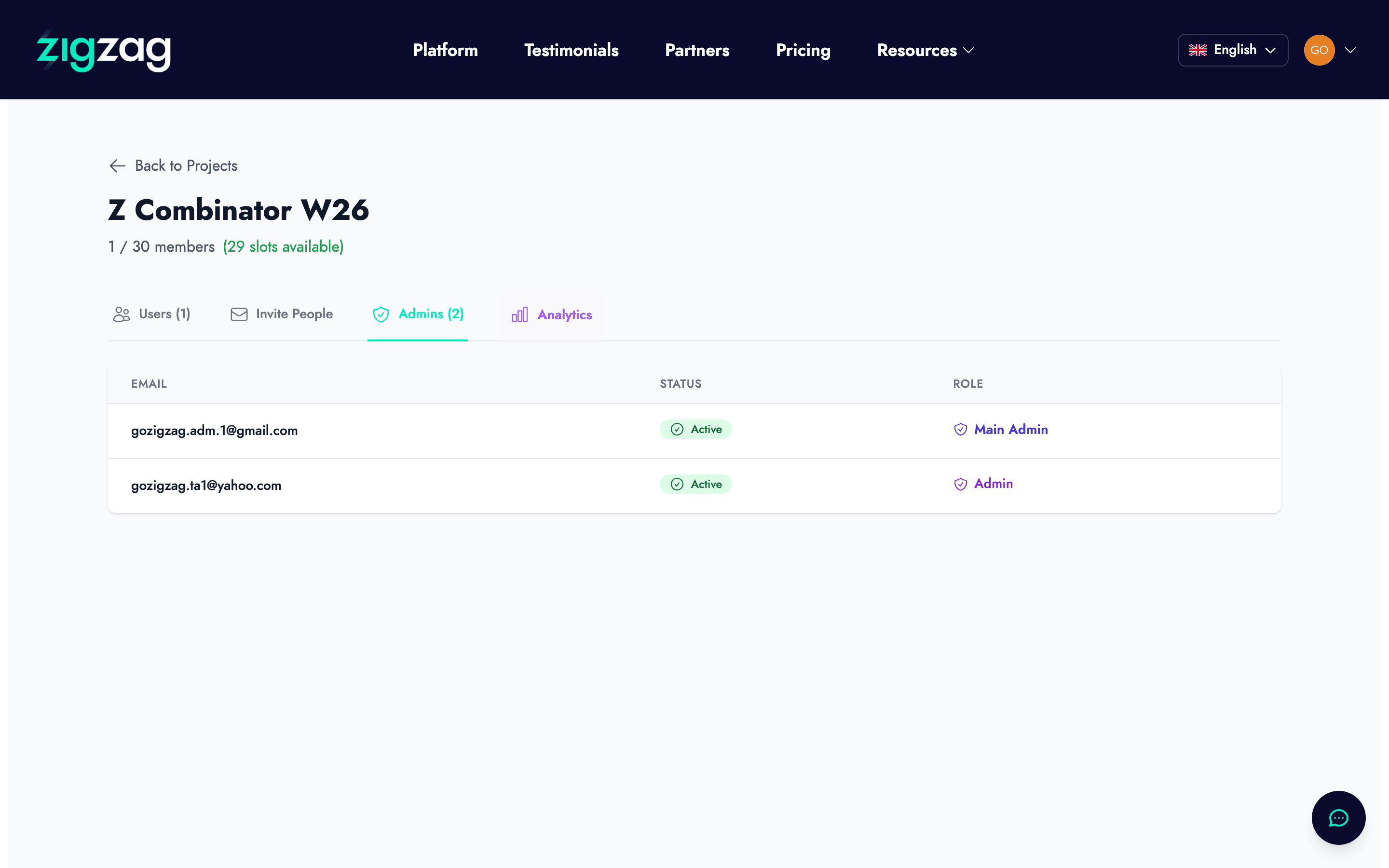
What the Admin Projects feature is
The Admin Projects feature is a dashboard for program managers, accelerator operators, and innovation leads who are supporting multiple startup teams simultaneously. Rather than managing each team's progress through individual conversations, email threads, or spreadsheets, Admin Projects provides a single structured view of every project in your program.
From this dashboard, you can see what stage each startup is at, which features they have used, what outputs they have generated, and how their progress compares to others in the cohort.
Who this feature is designed for
Admin Projects is not for individual startup founders. It is for the people who support those founders at a program level — accelerator program managers, innovation lab directors, incubator coordinators, corporate venture program leads, and mentors who are overseeing multiple teams at once.
If you are a founder using zigzag for your own startup, this feature is not relevant to your experience. It becomes relevant if your organization runs a program where multiple startup teams use zigzag as their primary founding platform.
What you can see and do
From the Admin Projects dashboard, you can view all projects in your program and filter them by cohort, stage, or completion status. You can see which startups have completed their Lean Canvas, which have run validation surveys, which have built out their investor data rooms, and which are ready for investor conversations.
You can export project data to a CSV file for reporting, analysis in external tools, or sharing with institutional partners. This is useful for formal program reporting, grant reporting, or leadership presentations.
Flagging projects and adding notes
The admin dashboard allows you to flag specific projects for attention — for example, marking a startup that needs additional mentorship, has fallen significantly behind the cohort's typical progression, or has shown particularly strong momentum worth spotlighting.
You can add notes to each project to keep an internal record of conversations, decisions, or recommendations about that team. These notes are only visible to program administrators, not to the startup team itself.
How this connects to program analytics
The Admin Projects feature is the foundation for the program analytics dashboard, which gives you aggregate views of cohort progress and outputs. Together, they replace the combination of spreadsheets, email check-ins, and progress surveys that most program managers currently use to track where their cohort stands.
Used consistently, this system gives you better visibility into your program's progress with less manual data collection — which means more time for the work that actually helps startups: mentorship, introductions, and substantive feedback.