How this feature connects to others
Builds on
Feeds into
Feature overview
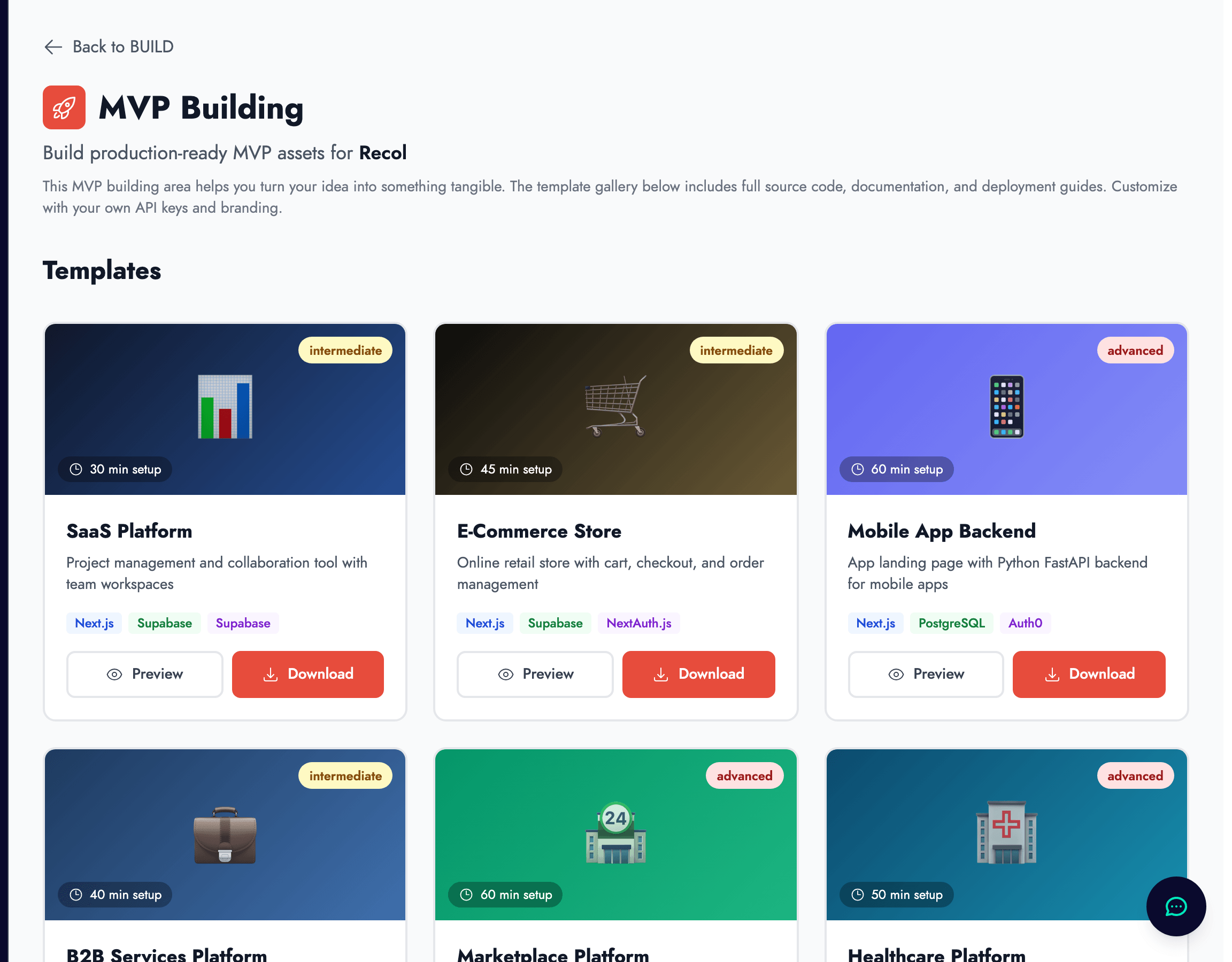
What the MVP Building feature does
The MVP Building feature in zigzag generates code templates and full-stack application scaffolding based on your MVP requirements document. Depending on your use case and chosen stack, it can produce a starting codebase, set up a database schema, configure authentication, create a testing framework, and provide a deployment guide.
The output is a downloadable archive that you can unzip, run locally, and begin extending. It is not a finished product — it is a structured starting point that handles the setup work so you can focus on the product logic unique to your startup.
Why this comes after requirements, not before
Code generated without clear requirements tends to be shaped by what is technically convenient rather than what the customer needs. The scaffolding might include features that are easy to add but not actually useful, and miss features that are harder to implement but essential to the core experience.
By requiring a completed MVP requirements document as input, zigzag ensures that the generated architecture and feature set reflect your actual product vision rather than a generic template. The requirements document is what makes the output specific to you.
What to expect from the generated code
The generated code is a starting point, not a finished product. It sets up the project structure, installs dependencies, configures routing and authentication, and creates the basic database schema. You will still need to write the specific business logic that makes your product unique to your customers.
Think of it as getting a twenty-percent head start. The boilerplate and scaffolding are handled. The work that remains is exactly the work that requires your specific knowledge of your product and your users.
Choosing a technology stack
Zigzag can generate code for several technology stacks. If you are not a technical founder and are working with a developer, the right approach is to discuss the stack choice with them before generating. The stack should match their experience and the realistic requirements of your product.
If you are building the MVP yourself, choose a stack with strong documentation, a large community, and clear examples of production applications built with it. The most important factor at the early stage is your ability to iterate quickly — not technical sophistication. A more complex stack is rarely justified for a first version.
The architecture diagram
The MVP Building feature also generates an architecture diagram — a visual map of how the different components of your system connect to each other. This is useful for communicating with developers, for presenting technical depth in investor conversations, and for your own planning.
The diagram is generated in Mermaid.js format and is fully editable in zigzag. As your architecture evolves, you can update the diagram to keep it current and accurate.
What comes after building
Once you have a working MVP or prototype, the most important next step is getting it in front of real users. That step is not captured in a zigzag feature — it requires you to recruit users, give them access, and observe how they actually use the product.
The outputs from MVP Building — the codebase, the architecture diagram, and the deployment guide — become assets in your investor data room. Together, they demonstrate to investors that you are capable of execution: you have not just described a product, you have built one.